



Ever wonder why some esports streams keep you glued to the screen while others let your interest slip away? The secret is simple: use top-quality gear and plan every match detail. These two tips make your stream smooth and fun. If you're ready to boost your streaming game, check out these key ideas to turn your esports tournaments into shows no one wants to miss.
Core Guidelines for Streaming Esports Tournaments
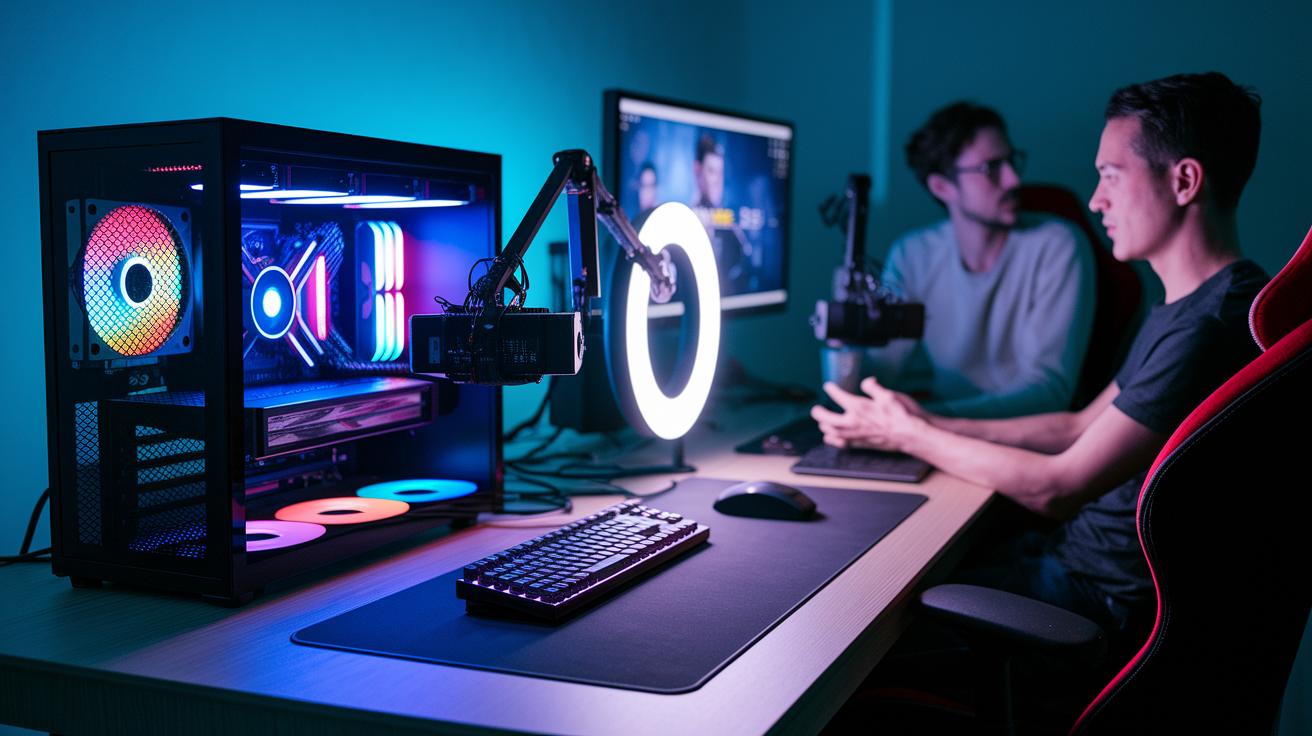
Start with top-notch gear to ensure your broadcast runs smoothly. Use a solid gaming PC, reliable capture cards, good microphones, and proper lighting. This helps you avoid bumps and tech issues. Pick a streaming platform that suits your audience's needs and gives you useful analytics. Keep open lines with your team and viewers by using Discord, email, and social media. For instance, you might kick things off with, "Before his streaming breakthrough, the gamer kept his indie wins under wraps, fueling his competitive rise." That kind of opener sets an exciting tone right away.
Plan every detail ahead to keep things running without a hitch. Create clear match schedules with enough play time and extra breaks for delays. A strong, dedicated staff is key for smooth production and quick decisions during disputes. Boost your stream with lively, director-style commentary and smart game analysis. This turns regular play into an engaging story. After the tournament, extend the fun with recaps, highlight reels, and feedback surveys to keep your community involved.
- Invest in quality gear like high-end gaming PCs, capture cards, microphones, and professional lighting.
- Choose the best streaming platform based on your audience size and analytics.
- Keep communication open with tools like Discord, email, and social media.
- Plan match schedules with enough play time and buffer periods.
- Build a dedicated team to handle production and disputes.
- Add engaging director-style commentary with smart analysis.
- Extend viewer engagement with post-game recaps, highlight reels, and surveys.
Stream Setup Optimization Strategies for Esports Tournaments
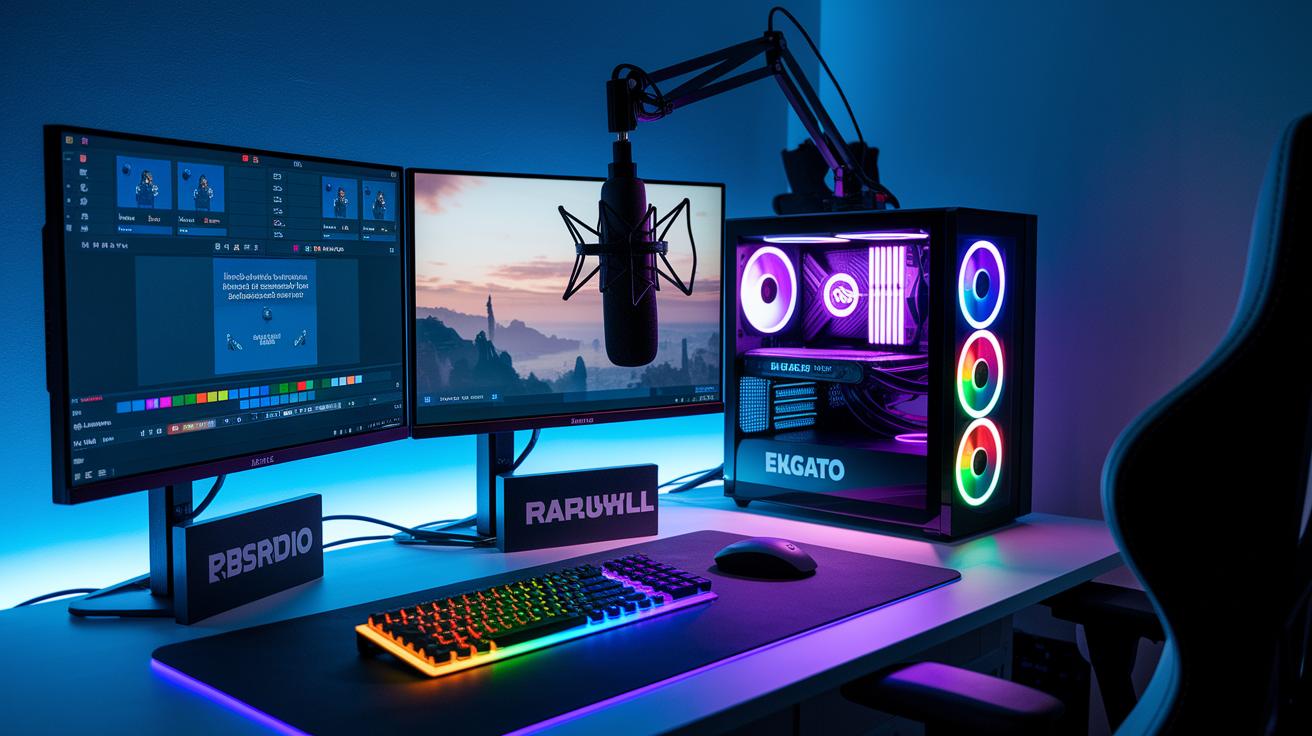
Start by building a solid hardware base with a gaming PC that sports a fast Intel i7 (or AMD Ryzen 7) and a powerful GPU such as an NVIDIA RTX 3060. Use trusted capture cards like the Elgato 4K60 Pro or Magewell Ultra to record smooth gameplay, and pair them with professional XLR microphones and audio interfaces for clear, synced sound. For example, I run my setup on an Intel i7 with an RTX 3060 so I can capture flawless video during the heat of battle.
Next, boost your broadcast with popular tools like OBS Studio, Streamlabs, or vMix. These programs let you add custom overlays and graphics to your stream. Think of overlay design like setting up a lively game board that shows off your style and keeps fans hooked. Following video compression tips will also polish your stream's look and keep it running smoothly.
Lastly, set your H.264/AVC encoding (a common video format) correctly and use adaptive bitrate strategies so your stream adjusts to different internet speeds. A great broadcast pairs strong hardware with smart software choices. Here’s a simple guide:
| Equipment | Minimum Spec | Recommended Spec |
|---|---|---|
| Gaming PC | Intel i7/AMD Ryzen 7 | Latest-gen processor with high-end GPU |
| Capture Card | PCIe-based model | Elgato 4K60 Pro or Magewell Ultra |
| Audio Gear | XLR mic with basic interface | Professional XLR mic with advanced audio interface |
Platform Selection and Adaptive Bitrate Guidelines for Streaming Esports Tournaments
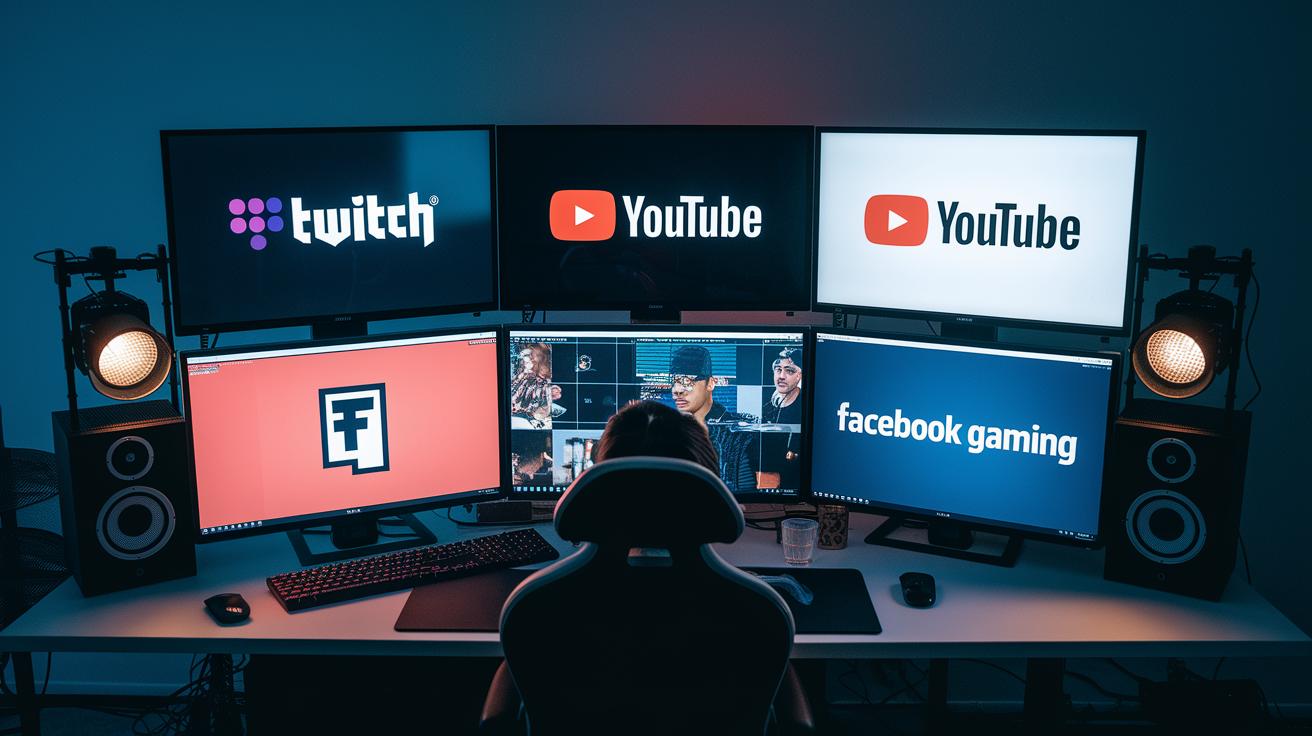
Twitch is a favorite because it brings a huge live community, real-time chat, and tools that help you earn money. YouTube Gaming is great if you love digging into video-on-demand details. Facebook Gaming ties in well with your social network, and platforms like Trovo and Steam Broadcasting serve up niche audiences. Which platform you choose really comes down to what you want from your event. For example, you might say, "I chose Twitch to get real-time feedback during live play."
Cloud-based services like AWS Elemental and Azure Media Services help you out when your stream gets busy. They can scale up quickly to handle a spike in viewers and keep your broadcast smooth and stable. With the right setup, you can reach fans on several channels without too much extra work.
Adaptive bitrate streaming automatically tweaks video quality to match each person’s connection speed. This means even if your viewers have slow internet, they still get a smooth watch. Adding features like DVR, catch-up, and moderated streams can turn a basic broadcast into an interactive experience that keeps everyone happy.
Ensuring Low Latency and Network Stability in Esports Tournament Streaming
Start by making sure your upload speed is at least 10 Mbps for a 1080p60 stream. Test your network ahead of time to check that it can handle the load. This is like checking your system’s heartbeat before a big game to keep the video smooth and lag-free. For example, you might say, "I tested my network to avoid any lag surprises during the big plays."
Keep an eye on delay (latency) and the change in delay (jitter) with simple tests like RTT checks, clock sync (NTP), and live dashboards. These tools let you spot and fix issues fast, just as you’d tune your instrument before a concert. Keeping time tight makes the whole stream feel right.
Set up extra internet connections that kick in automatically if the main one fails. Use backup streaming methods with hot-standby encoders or extra content delivery networks (CDNs). Mix this with quality rules (QoS) and proper buffer control to cut down on lost data and delays. This way, your viewers enjoy a smooth, nonstop broadcast even during the most intense moments.
Live Tournament Production Techniques and Multi-Camera Coverage for Esports Tournaments
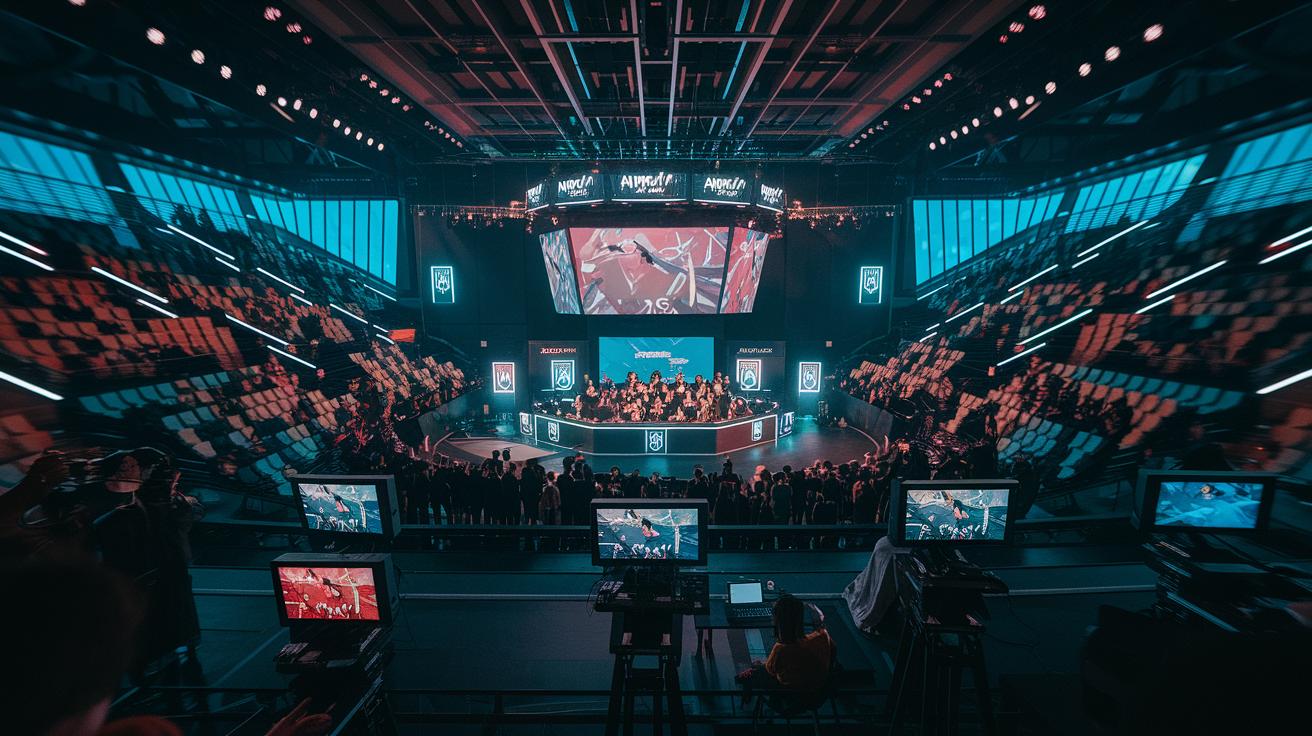
Using advanced production tricks can turn your tournament stream into an immersive event that fans will love. Try using several cameras – one for a player’s view, one at the caster desk, another for the crowd, and a top-down shot – to capture every angle. Changing views during key plays makes the action feel like a mini movie.
Keep your audio and video perfectly in sync by using tools like NDI/SDI routers (devices that help transfer video signals) or timecode generators (tools that keep time). This stops annoying lip-sync issues during live commentary and builds trust with your audience. It’s like watching a finely tuned machine where every part works in harmony.
Bring energy to your broadcast with lively commentary and on-field player interviews. Switching camera feeds as the game unfolds adds excitement, much like watching a director’s cut that reveals new details at every turn. This dynamic narration makes it easy for fans to follow the game and catch every important moment.
Amp up the experience even more by adding live match stats and trying AR/VR or AI-driven graphics. Quick feed switching and real-time updates make the stream feel interactive and engaging, giving fans extra insights and turning every moment into part of a top-notch production.
Viewer Engagement Strategies for Streaming Esports Tournaments
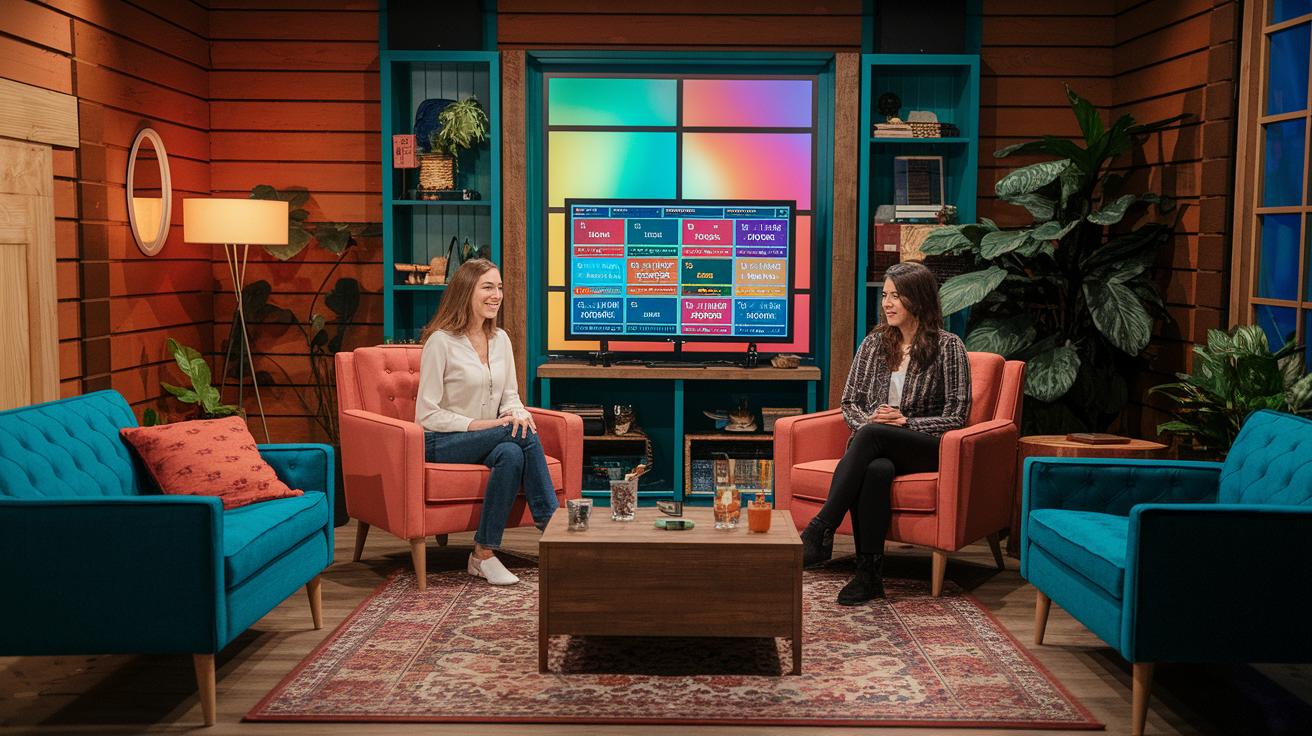
Get your fans chatting in real time by keeping the conversation lively and friendly. Use skilled moderators to set a positive tone and clear any negativity. Try running live polls, Q&A sessions (questions and answers), and simple prediction games. For example, ask your viewers, "Which play was the game-changer?" This turns quiet watchers into active fans who add energy to the stream.
Boost your community vibe by featuring fan-made content during the event. Invite your audience to share stream highlights or fan art on Twitter, Instagram, or Discord. Simple social media prompts like "Post your best highlight with #TournamentMoments" can extend the fun long after the live show ends.
Lastly, listen to your fans. Use quick surveys and check chat logs after each event to learn what worked and what needs to change. By doing this, you'll build a fun cycle of engagement that keeps your audience coming back for more.
Event Coordination and Post-Event Highlight Production for Streaming Esports Tournaments
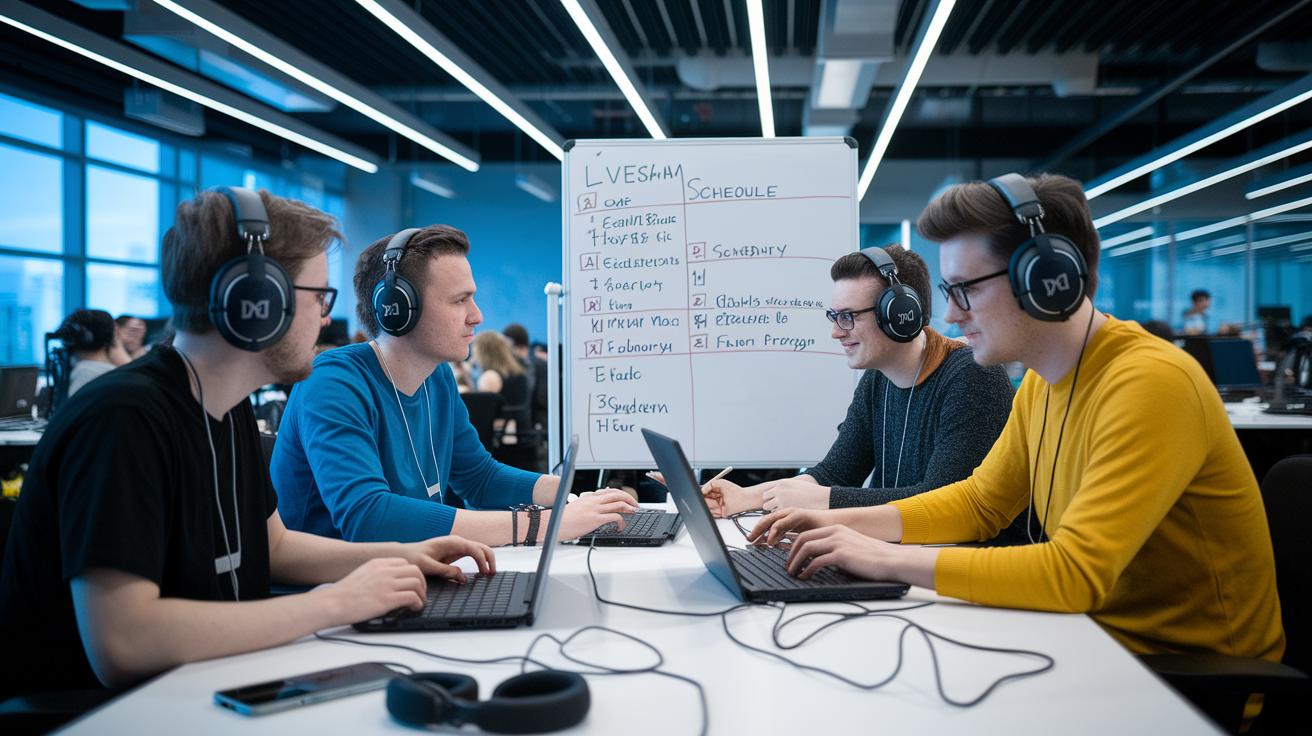
We start by setting a clear schedule that mixes game time with needed breaks. We plan every detail, from rules and who can play to how disputes get solved quickly. Roles like producer, tech lead, and chat moderator get assigned ahead of time, and we make sure hosts can talk clearly on air. By planning each match and break to fit viewers’ attention spans, we keep the event clear and fun.
Before going live, we do technical rehearsals and check all our gear. Every piece of equipment is tested and all communication lines are verified. This trial run isn’t just for show; it helps us catch any glitches before the event starts. With a dedicated team on these tasks, any issues can be fixed fast to keep the show running smoothly. We always have backup plans ready to tackle any sudden problems.
After the event, our focus shifts to creating highlight reels and reviewing viewer stats. We put together fun recaps and reels for video-on-demand platforms to keep the excitement going. By checking numbers like peak viewers and average watch time, we learn what worked best. These insights help us make each future tournament even better. Matching careful planning with solid post-event work creates a strong experience for both live broadcasts and our community.
Final Words
In the action, we explored every part of running an esports tournament broadcast. We broke down tech gear, platform picks, low latency strategies, multi-camera setups, and engaging viewer tactics into simple guidelines, making it clear and actionable.
Your event now has the roadmap to success with best practices for streaming esports tournaments. With quality equipment, clear planning, and interactive tips, you can create a smooth and fun viewing experience that keeps fans coming back for more.
FAQ
Best practices for streaming esports tournaments reddit
The best practices from Reddit focus on investing in quality equipment, setting detailed schedules, and setting up clear communication channels. This approach ensures smooth streams with reliable performance and engaging commentary.
What is vMix?
vMix is a live production software used for broadcasting esports events. It helps switch camera feeds, add graphics, and manage audio to deliver a professional, high-quality stream experience.
How to stream esports?
Streaming esports starts with quality gear like gaming PCs and capture cards, choosing the right platform, and planning your schedule. You should also maintain interactive commentary and engage with your audience throughout the stream.
What are common streaming mistakes to avoid?
Common mistakes include poor internet setup, using low-quality equipment, and neglecting technical rehearsals. Avoid these by testing your setup thoroughly, ensuring backups, and coordinating with your production team.
How to host an esports tournament online?
Hosting an online esports tournament requires detailed match scheduling, clear rules, and a dedicated staff. Use multiple communication channels, conduct technical rehearsals, and maintain real-time support to handle any issues during the event.
What are the top 3 tips to help you create professional live streams?
The top tips are to invest in high-quality equipment, choose a reliable streaming platform, and use engaging, director-style commentary. These steps help deliver a polished, professional, and interactive streaming experience.